| You are able add images to rectangular, oval, and barcode objects.
To add an image from your disk use Import Image
menu option from the file menu.
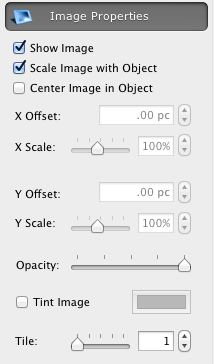
Use Show Image check box from
the Image Properties to control the image visibility in the object. To move the imported image within the box, use
the X Offset and Y Offset boxes from the same panel, or press the Shift key and drag the mouse button.
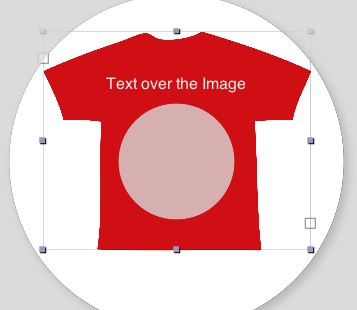
You can also add text over the image, and assign colors, fonts and font styles to this text
|

