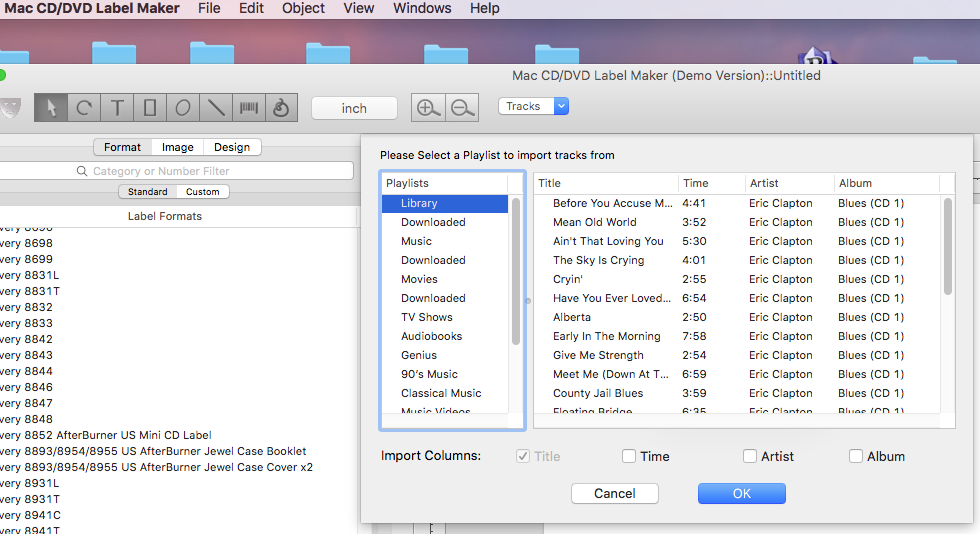
How to import iTunes playlist to cd or dvd label
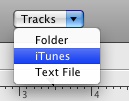
Create a rectangular box on your label first, or select the existing one. Select iTunes menu option from the Tracks popup that appears in the Toolbar Area. Select a playlist.
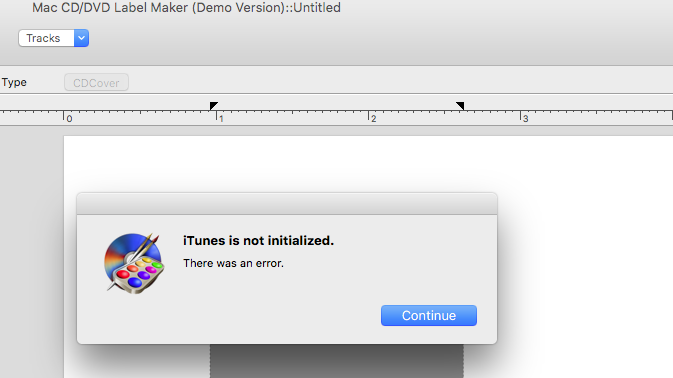
if you get the 'iTunes is not initialized' error
please start the iTunes application, choose iTunes>Preferences menu option, and then switch the Advanced tab. Switch on the 'Share iTunes Library XML with other applications' option, confirm the preferences change, and quit the iTunes application.
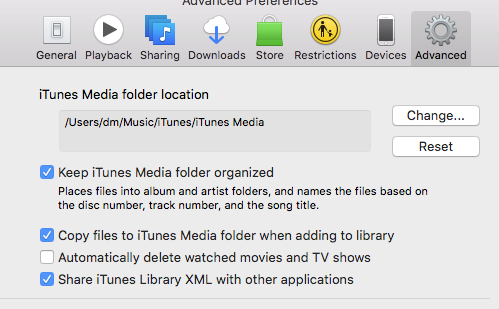
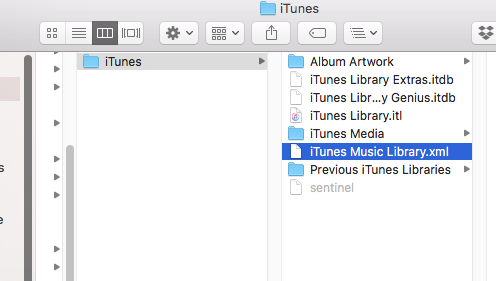
After this, the file 'iTunes Music Library.xml' file appears in the UserHome>Music>iTunes.
Quit the Mac CD DVD Label Maker, start it again, and get the playlists lists visible.